Security Stories: DDoS & The Missing DNS
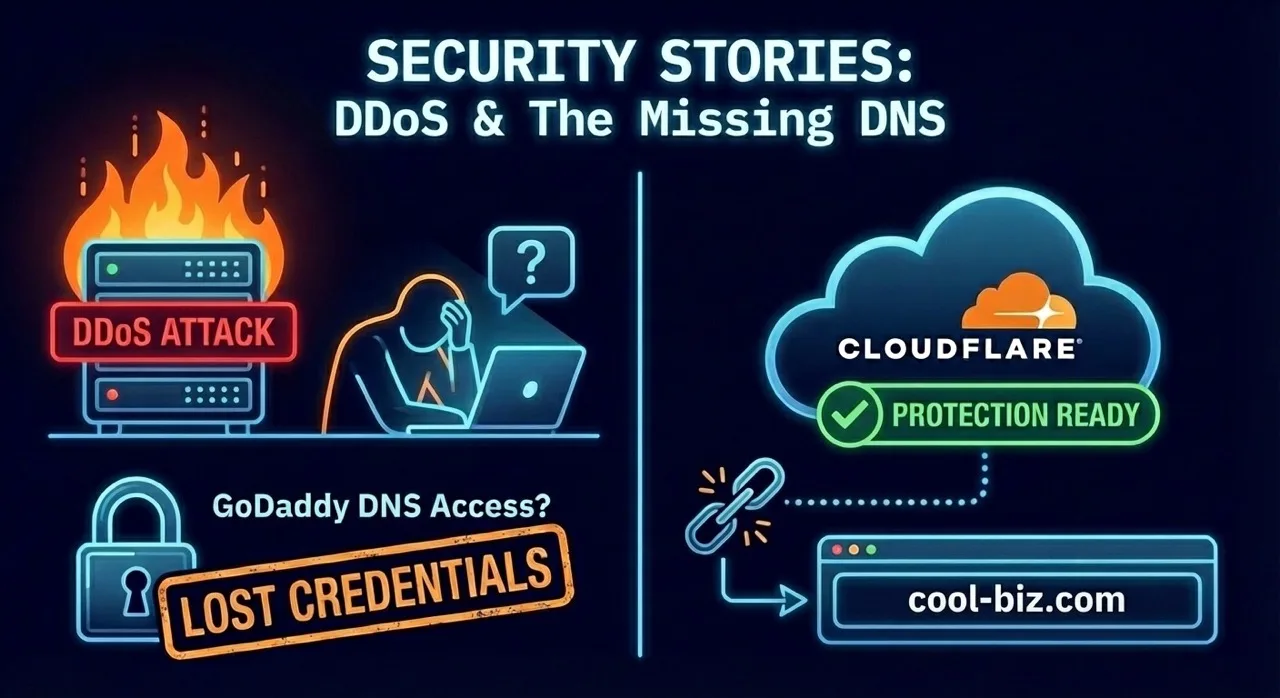
Hello. Do you have access to your DNS? It might seem like a basic question to my developer friends and might seem like a bit of a perplexing question to my business-leader connections but based on my experience it proves to be one of the most consequential questions every founder, business leader and manager needs to answer with a firm “Yes”. The alternative could be disastrous...
Setting The Scene
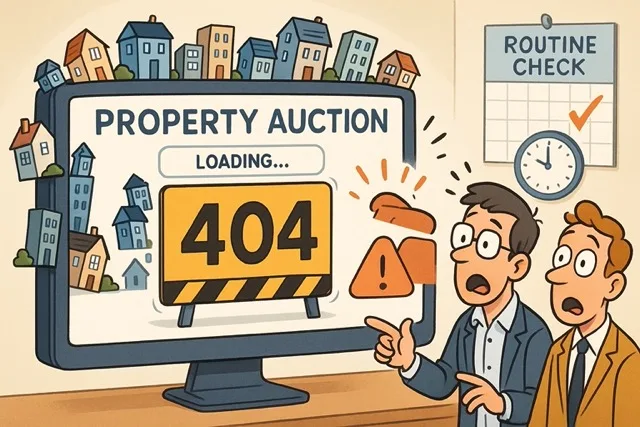
One of my clients runs a WordPress site that provides property auction information for residential and commercial sectors. During a routine check of the site I saw a “404 not found” error. Immediately I notified the client that something was wrong with their site. What I thought would be a simple 5 minute fix turned into a 4 hour endurance race...
DNS What?
DNS, short for “Domain Name System”, can be thought of in simple terms as a the “contact list for the internet”. The idea being that when someone goes to your-site.com their browser has to look up how to get there. It does this by looking up the name, and translating that into an IP Address. When you go to google.com you’re actually going to 142.250.66.46 (one is easier to remember than the other). This happens in a split second. It not only responsible for your website but also routing your email too. So having easy access to this is essential.
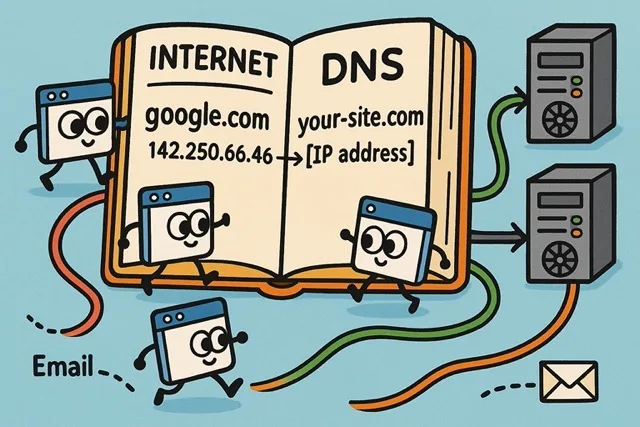
When you sign up for a domain name like cool-biz.com or cjri.uk (check it out) your DNS is usually handled by the company you bought the domain from (like GoDaddy, or Domain.com) especially if you don’t actively go and change it. Why might you want to change it? (Sizzle)...
What Happened?
When things like this happen it’s important to be calm. When you see “404” it’s usually a problem with your site and not the customer. Look for your hosting provider. First thing’s first is I checked for the external backup. One run 3 days before. Perfect. Whatever happened at least not that much was lost... if the client didn’t have backups this could’ve been a lot worse.
For this site specifically, the owner had set it up the domain name and contracted out a freelance developer 4 years ago and hadn’t thought the behind the scenes since. They just focused on crafting weekly posts for their subscribers. Understandable.
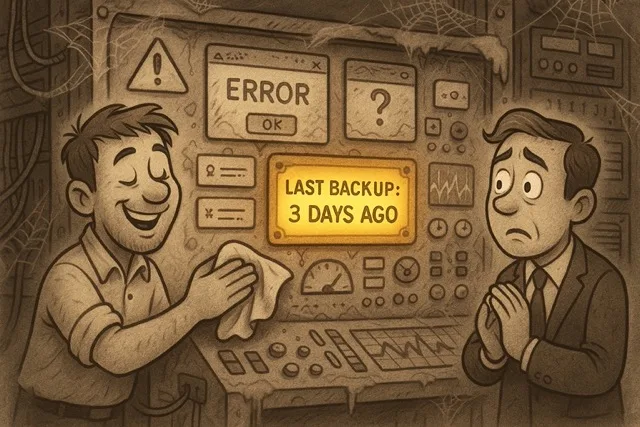
The developer chose a cheap hosting provider that provided BTS access to servers and stuff for a cheap fee per month where they had to set up everything for a dashboard. No thrills just functional. Mix of convince and cost. Want a WordPress Site? Great. Want a community site? Great. Don’t want it to cost the earth? Amazing. All done through a control panel.
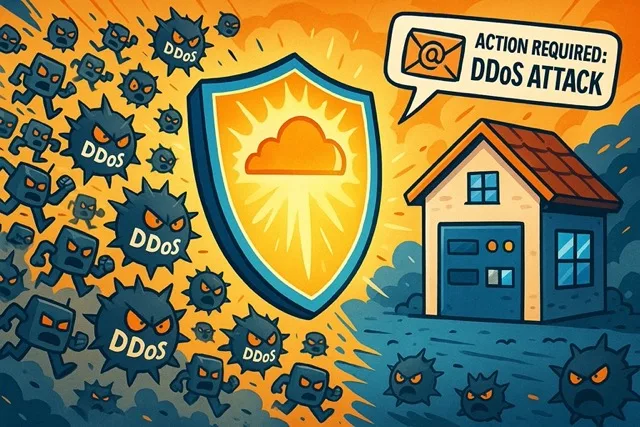
When I logged in the backend hadn’t been accessed since it was set up. Like clearing away the cobwebs. Product announcements, price increases, requests for feedback, all standard stuff. One message from support dated 3 days ago “Action Required: DDoS Attack”.
DDOS & Password Reset Hell
The support message said “Your site experienced a DDoS attack (basically when malicious connections trying to overwhelm your site and take you off line) we have implemented a captcha and advise you to add your site to Cloudflare and enable DDoS protection.” Cloudflare specialises in DDoS protection so their ask wasn’t out of the question. The client had their other domains already on Cloudflare ... simple just access the domain registrar and change the DNS...
I checked who.is and the DNS was registered with GoDaddy (who they originally signed up with). The details they gave me didn’t work. All good, just reset the password. Reset the password, signed in, 2 factor code and... nothing... this was an account for another domain (not the one we were looking for...)
So what now? Instead of “forgot password” forgot username. I tried their main site email, access to the same account. I asked them to check any GoDaddy emails on their email to hopefully get their account number. Nothing. I tried forgot username with their personal gmail. I got an email... “this email has 5 accounts associated with it...”

What followed was an extended case of trial and error. “Third Times the Charm“ not on your life. Try 5th... It was a case of logging in trying a combination of “known passwords”, having to reset it, having to login and pass a “click the squares with the traffic light” and then wait to get sent an email with a code hoping “this is finally over...” and it not being. One account goes back to 2008, another to 2011, another to 2014. I felt like an archeologist, wiping away the dust and discovering remnants of history. The last one we tried was finally the right one. It’s always in the last place you look.
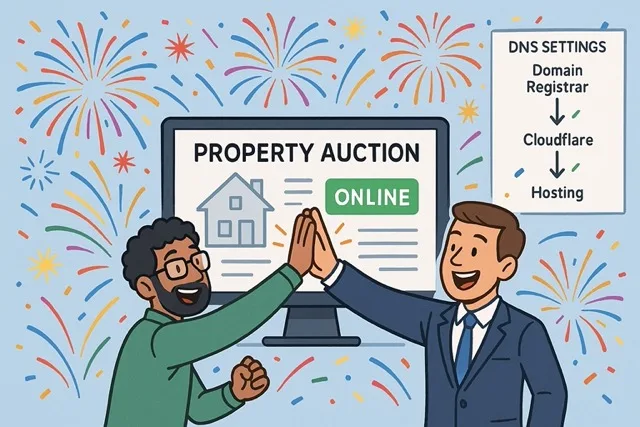
I changed the DNS and added it to Cloudflare, enabled the protection, sent the screenshot and 4 hours afterwards the ordeal was finally over. The site was back on-line. 3 days after it had disappeared.
Consider This Your (Yearly) Reminder
The point of this post is not to shame, (or just to shill my own services), it’s just a PSA to all the small business owners out there. Don’t let this happen to you. In this case it was a relatively small site but it’s a wake up call and a reminder. Know where your stuff is. Audit your sites. Can you still access things? Do you have the passwords? Your future self will thank you.
Takeaways
- Know where your site is hosted (A dedicated server or otherwise)
- Know where your site’s DNS is? (Don’t assume, check, double check)
- Create a document with this info in it. Whether or not you’re the most technical its important (especially if you rely on your site for leads or £££) to know the basics.
- Set up a group/forwarding email like “it@your-company.com” so that important emails (sent from your hosting provider or domain provider) aren’t missed accidentally and sent to your team / IT Manager instead of just you
- Do you have backups? Are you sure? (Don’t assume)
- Use a password manager... don’t waste time resetting passwords. (Every second counts in a security situation)
Overwhelmed? Need help? Want to chat? Send me a message. Be proactive not reactive. I can help find out this info for you or chat you through what you need Do it before the holidays .